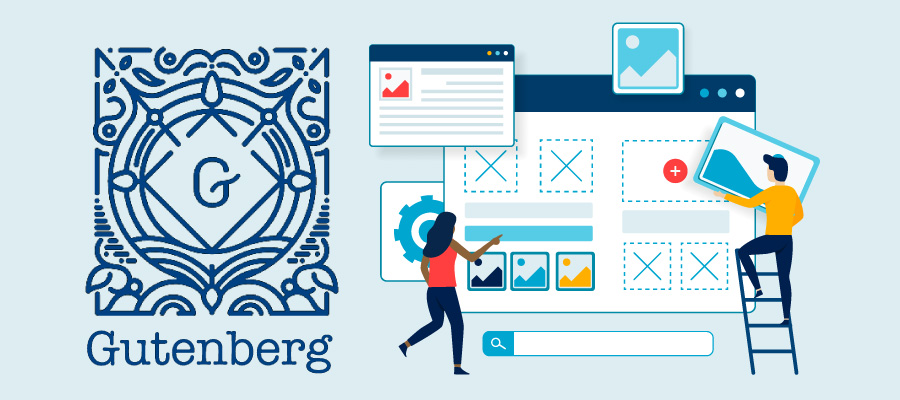
UW Theme 2.0 (the university’s official WordPress theme) is here and existing WiscWeb sites can now begin the migration process. This highly anticipated update brings drag-and-drop editing capabilities via the modern Gutenberg block editor.
Note: Migration tooling is currently only available for WiscWeb sites. It is not yet available for sites hosted outside of WiscWeb.
How to migrate
By December 2026, WiscWeb users will need to migrate their content from UW Theme Classic to UW Theme 2.0 or rebuild their websites from scratch.
Because the block editor works differently from the classic editor, a fully automated migration is not possible. However, users will see that migrating to 2.0 includes both automated and manual efforts; some content transfers smoothly while other elements must be rebuilt using blocks.
To make this process easier, migration tooling is available (where possible) to map existing page elements to their corresponding blocks. Check out the Migration Overview to learn more about the migration tools.
WiscWeb WordPress sites will need to be migrated by December 2026. After that time, support for UW Theme Classic will end.
Resources
The UW Theme team will provide ample guidance and support to ensure that site migrations are successful. In addition, users are encouraged to read the available migration training documentation.
What’s new in UW Theme 2.0?
The biggest change is the move from the WordPress classic editor to the Gutenberg block editor, which provides a modern drag-and-drop interface for building web pages.
Key new features include:
- Ready-to-use design patterns for common page layouts like service pages, content with alternating images and 3-column resource listings.
- Custom UW blocks, including hero carousels, groups of links, quote blocks and featured content cards.
- Updated look and feel with new layouts, larger font sizes and improved contrast to enhance accessibility and readability.
- Accessibility updates with features like automatic reminders to add alt text to images.