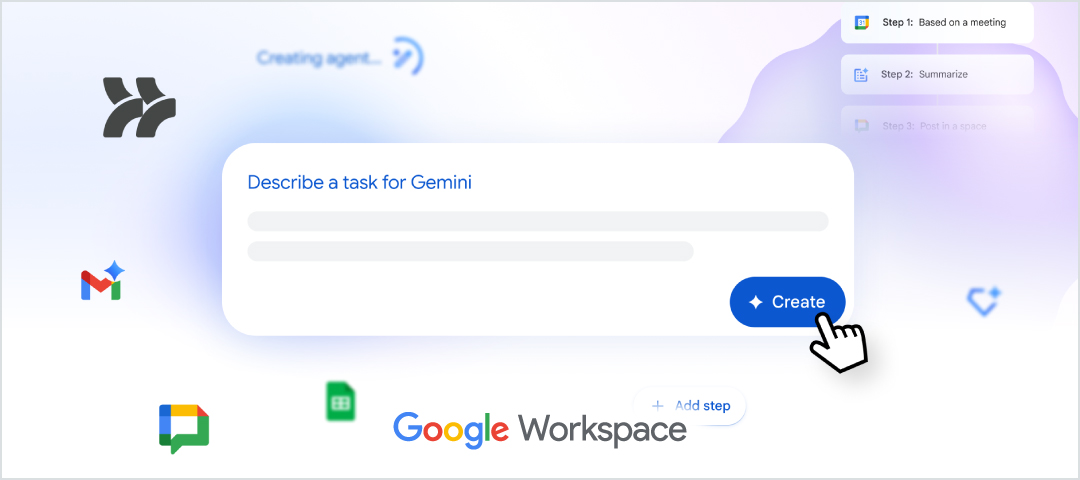
With Google Workspace Studio, you can design AI-powered agents for use in apps such as Google Drive, Docs and Sheets — no coding required.
Powered by Google Gemini 3, these agents can reason and understand context when performing simple to complex tasks.
Approved data types: Public and internal only.
Why use Google Workspace Studio?
When you offload your everyday, repetitive work to AI-powered agents, you free up time to work on other tasks needing deeper attention and focus.
Get started
You can access Google Workspace Studio in two ways. If prompted to log in, use your NetID credentials.
- Go to https://studio.workspace.google.com/
- In the top-right corner of your UW–Madison Google Drive, click the Google Workspace Studio icon
- Enter your prompt in the space provided, then click “Create.”
- Ta da! You just created an AI-powered agent!

Prompts and automations
To create an agent, you will enter a prompt that includes both a “starter” (trigger event, such as a Google Form submission) and “steps” (what you want the agent to do, actions you want the agent to perform, like updating a Google Sheet).
- Example Workspace Studio prompt: When a new Google Form response is added to my “lab requests” Google Sheet, use Gemini to categorize the request type and update the status column to “pending review.”
Agents can also review documents; monitor Google Drive folders and alert you via Google Chat when a new document is added; rename newly created files; log or update information in a Google Sheet; and more.
See more use cases and sample prompts
Eligibility and data protection
Google Workspace Studio is a core app in the Google Workspace suite, and available to current faculty, staff and students. The app features enterprise-grade data protection, meaning:
- Privacy: Your data is protected under UW–Madison Google Workspace agreement.
- Data protection: Your content will not be used to train AI models.
- Paid add-on features: While the free version is now available using your NetID credentials, paid add-on advanced features are not available at this time.
Limitations
- Email integration: Google Workspace Studio cannot be integrated with your UW–Madison Microsoft 365 email account.
- Limits: You can create up to 100 total workflows (active and inactive), with a max of 20 steps. You can use up to 100 flow runs each month.
- More limitations: See this KnowledgeBase article for a full list of limitations.