What you need to know about this year’s UW Theme transition
Starting this year, the UW Theme—the official WordPress theme for UW–Madison websites—will introduce a modern, block-based editor called Gutenberg. This significant update will change how university employees create and edit WordPress webpages, offering a more user-friendly and flexible experience.
Learn about the UW’s Gutenberg transition
What is Gutenberg?
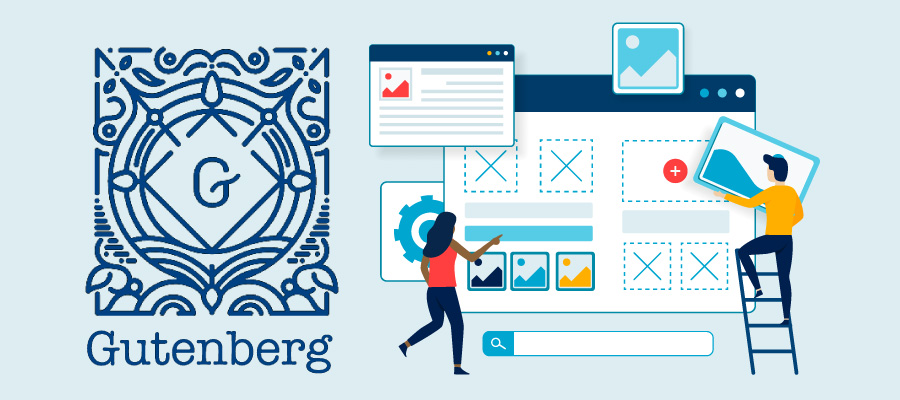
Gutenberg is WordPress’s drag-and-drop editor that allows you to easily arrange web elements (like text, images, buttons, etc.) on your webpages. Unlike the current classic editor’s text-based interface, Gutenberg provides a visual approach to webpage creation that’s more intuitive for most users.


What does the Gutenberg transition mean for you?
This change will affect how you create and edit content if you manage or contribute to a UW–Madison website using the UW Theme (including WiscWeb sites). Gutenberg is designed to be more intuitive for most users, especially those familiar with modern editing tools. Eventually, all university WordPress websites using the UW Theme will be required to switch to Gutenberg.
Your existing webpages will still work in Gutenberg. The development team is creating migration tools and paths to help transfer your existing pages to the new block-based format. While you may need to make some manual adjustments, you won’t have to rebuild your entire site from scratch.
You have plenty of time to prepare for this change. The development team plans to:
- Release a simple version of the block editor theme in 2025
- Add more features over time
- Provide a migration path for existing websites
- Give users at least one year to transition after the initial release
If your site is not currently on WiscWeb or the UW Theme, this is a great time to start considering a move so that you can take advantage of the many benefits they offer. Please note that sites already on WiscWeb will have a more direct migration pathway to Gutenberg than those moving from other platforms.
What can you do now to prepare for Gutenberg?
There’s no immediate action required, but now is a good time to start thinking about what this transition will mean for your website(s). You can:
- Learn about Gutenberg: Visit the Gutenberg Transition web hub to see what’s coming
- Stay informed: Sign up for project updates through the WP Users group in Microsoft Teams
- Track progress: Follow the rebuilding status of UW Theme features to see which elements have been completed
- Attend learning sessions: Join WiscWeb’s monthly online lunch and learn sessions to get the latest
Why is UW updating the WordPress editor?
This transition offers several significant benefits:
- Modern editing: A more intuitive, drag-and-drop interface
- Improved user experience: Patterns make it easy to create layouts, such as a hero section, call to action section, or even an entire page
- Future compatibility: Alignment with WordPress’s long-term development direction
- Maintained standards: The same accessibility, security, and branding standards you expect from the UW Theme
The UW Theme team from University Marketing and WiscWeb are collaborating to ensure a smooth transition for campus users while delivering these improvements.
For questions and more information, visit the Gutenberg Transition web hub.
Related posts
-
Digital accessibility and new purchasing processes
Accessibility considerations must now be addressed before digital tools and services are purchased or renewed. Learn more about what is changing and what you need to do.
-
Digital Accessibility update: Kaltura
English-language videos now have auto-applied human-generated captions and computer-generated audio descriptions in Kaltura.
-
Three teams, an elite brand, one shared vision to redesign UW–Madison’s web theme
A group of talented, thoughtful creators spent over 2 years creating a new university web theme, used by thousands. Peek into the process and lessons learned along the way.