
Improving security: Device compliance notifications coming to WiscVPN
Starting Nov. 11, WiscVPN users will receive device compliance notifications if their connected device does not meet WiscVPN standards. Learn about the change and what to do if you get a notification.
Services
Most-viewed Service pages year-to-date — Google Analytics.
News
Essential information technology news and updates, delivered in a quick-read format.
-

University websites available using WiscVPN
Update: Most university websites and apps are now available. Websites worldwide are experiencing outages due to security issues affecting PHP, a widely used online programming language. Find out how to stay connected.
-

Register for ’Coded Bias’ documentary screening Nov. 19
Facial recognition often fails to detect dark-skinned faces and women. Join us on Nov. 19 to see how one researcher pushed for change.
-
How to clear your cache & cookies
Clearing your cache and cookies from time to time is good “tech hygiene.” It can also help you troubleshoot when your device is running slowly or you’re having trouble with an app.
-
Virtual Office Hours with CIO Didier Contis
Fridays, 9:15 a.m. via Zoom. Unscripted conversations with UW–Madison’s Chief Information Officer.
-
Complete your WiscWeb migration to UW Theme 2.0 by Dec. 31
WiscWeb website managers have less than three months left to migrate to UW Theme 2.0. Check your site’s status and protect your content in the meantime.
-
Todd Shechter to become Vice Chancellor for IT at CU Boulder
After seven years building the CTO office, Todd Shechter will leave UW–Madison on Nov. 13. Join us in wishing him well as he takes on his new leadership role in Colorado.
-

Save the date & get connected: Events for the IT community
Explore upcoming events, key dates and deadlines. From panels and Communities of Practice to conferences and leadership development, there’s something for everyone.
-
Qualtrics retiring Legacy Results-Reports — act before March 17
If you built a custom results page in a Qualtrics report, you must save it or rebuild it in Results Dashboards before March 17, 2027.
-
Apply for the 2027 IT Mentoring Program
Ready to grow your career or support a colleague? The IT Mentoring Program pairs IT staff to help you expand skills, share knowledge and reach your goals. Apply by Nov. 25.
-
Tricks, treats & traps: Avoiding nightmare patterns in UX
Learn from professor Leah Ujda as she unmasks the world of dark patterns — from corporate maneuvering to unintentional “grey patterns” hiding in campus software. Oct. 28, 2:30 p.m. via Zoom.
-
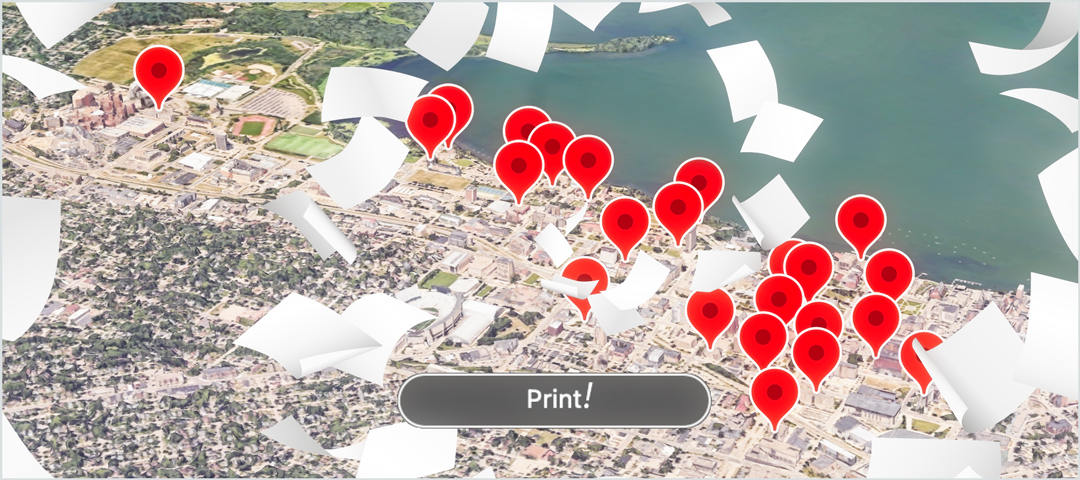
Your guide to printing on campus
In a (paper) jam and need to print that study guide or poster? With wireless printing now available at most InfoLabs, printing your work has never been easier.
-
Digital Scholarship Hub events: Guest speakers, workshops & more
Featured offerings include a Wisconsin Public Radio program on AI’s impact on society and a session exploring how artists push tech boundaries before guiding you to create your own augmented reality project.








Campus IT events
October
-
October 23
-
October 26
-
October 29
-
October 29
-
October 30
-
October 30
November
-
November 2Smart Access Office Hours: Device Compliance NotificationsOffice hours for better understanding device compliance notifications, which will be enabled for WiscVPN users on Nov. 111:00 PM, Online
-
November 2
-
November 5
-
November 5
-
November 6
-
November 10